Remote monitoring is changing how businesses keep track of systems, equipment, and even patient health. Whether you're managing IT infrastructure or healthcare services, understanding how remote monitoring works can help you make better decisions, reduce downtime, and improve performance. In this blog, you'll learn what remote monitoring is, how it works, the benefits it offers, and how to apply it in your business. We'll also cover tools like sensors, real-time alerts, and automation that help collect data and optimize your operations.
Remote monitoring is the process of observing and managing systems, devices, or environments from a distance using digital tools. This can include anything from IT networks and industrial machinery to patient health data. It allows you to track performance, detect issues early, and respond quickly—without being on-site.
Businesses use remote monitoring to improve efficiency, reduce costs, and keep operations running smoothly. It’s especially useful when managing multiple locations or complex systems. With the right setup, you can monitor equipment, receive alerts, and even automate responses in real time.

Remote monitoring isn’t just about watching systems—it’s about using the data to make smarter decisions. Here are several ways it adds value to your business:
Remote monitoring tools can detect problems as soon as they happen. This means you can fix issues before they cause major disruptions, saving time and money.
By monitoring systems 24/7, you can plan maintenance before failures occur. This keeps your operations running and avoids unexpected outages.
Remote monitoring helps you understand how your systems are performing. You can use this data to optimize energy use, staffing, and equipment schedules.
Monitoring systems can detect unusual activity, helping you respond to threats quickly. This is especially important for IT networks and sensitive environments.
You can manage multiple sites or systems from one location. This makes it easier to stay organized and respond to issues across your entire operation.
In regulated industries, remote monitoring helps you track and document performance for audits and compliance checks.
When systems run smoothly, customers notice. Remote monitoring helps you deliver consistent, reliable service.
Here are some of the most important advantages of using remote monitoring in your business:
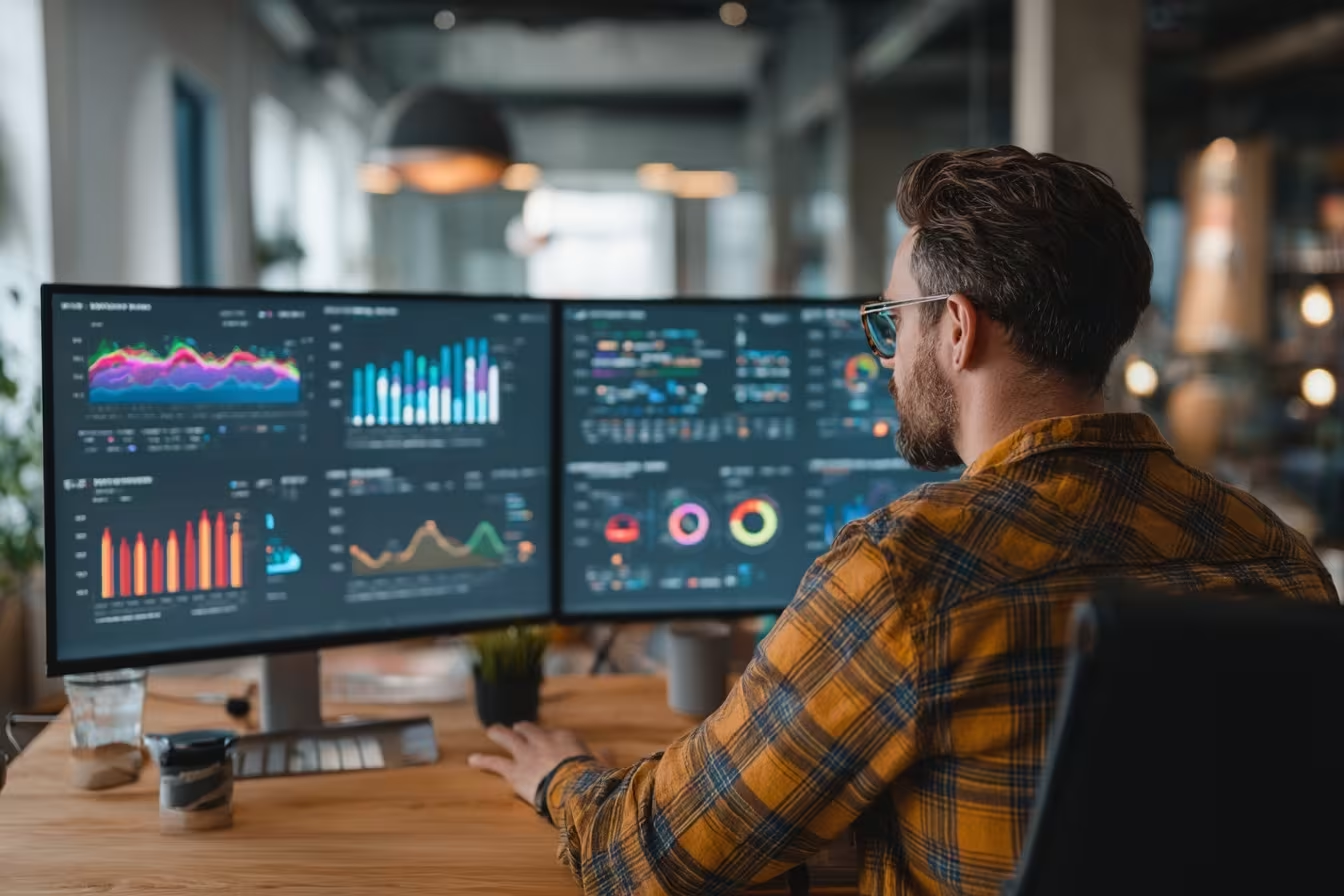
Remote monitoring and management (RMM) is a type of software used by IT teams to monitor and control systems from a central location. It’s especially helpful for managed service providers (MSPs) and internal IT departments.
RMM tools allow you to track system health, install updates, and fix issues without needing to be physically present. This saves time and helps your team stay focused on strategic work instead of constant troubleshooting. RMM also supports automation, which reduces manual tasks and improves consistency.
RMM software plays a critical role in keeping IT systems secure and efficient. Here’s how it works in practice:
RMM tools track CPU usage, memory, and network activity. This helps IT teams spot problems before users are affected.
You can schedule software updates across all devices. This keeps systems secure and reduces the risk of cyberattacks.
RMM software allows IT staff to access devices remotely. This is useful for troubleshooting and support without needing to visit in person.
RMM tools monitor hard drives, fans, and other hardware. Alerts are sent if something is about to fail.
The software logs activity and changes, making it easier to meet industry regulations and audits.
You can see what software is installed on each device. This helps with license tracking and security.
Automation features in RMM tools handle repetitive jobs like backups and scans, freeing up your team for more important work.
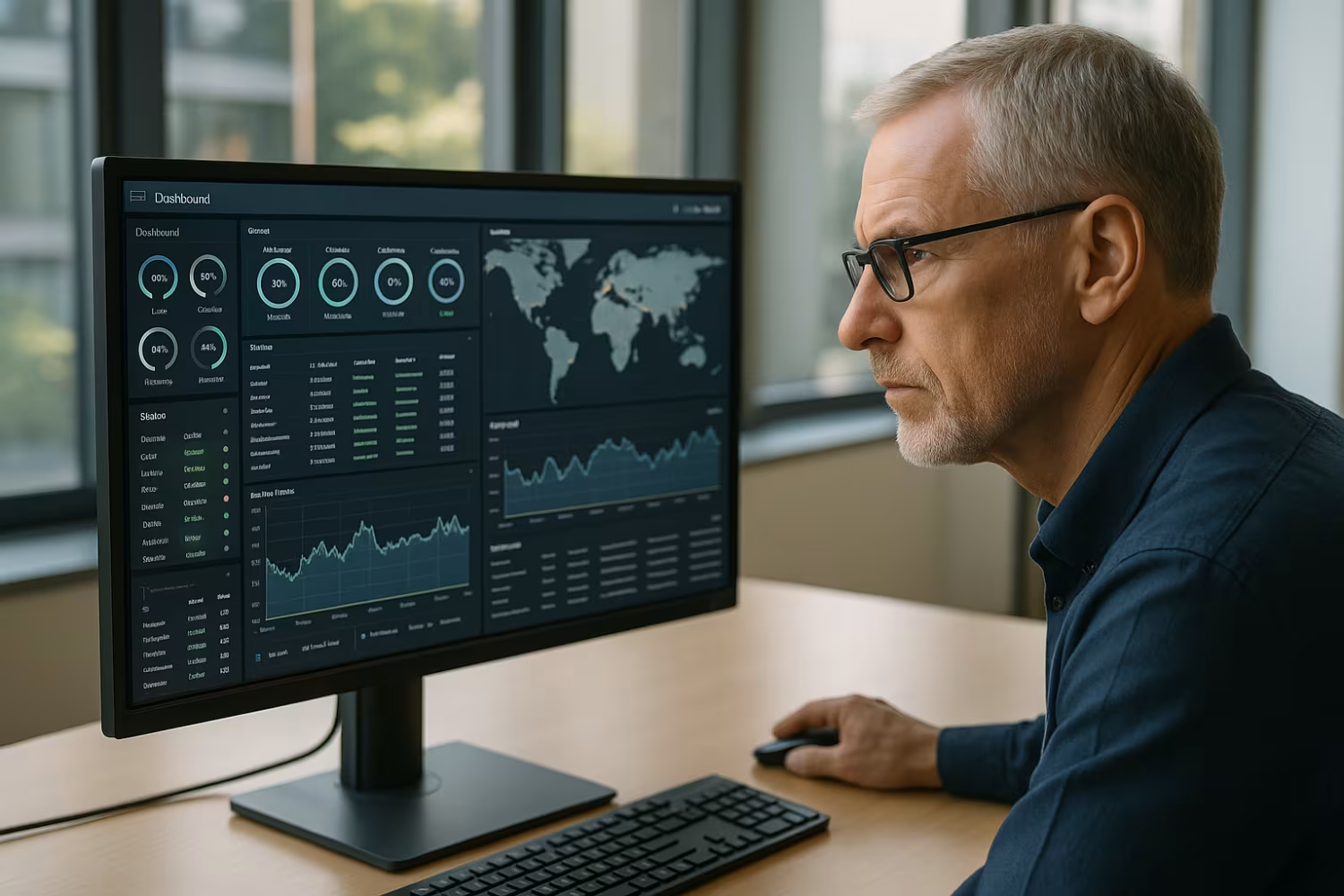
If you're thinking about adding remote monitoring to your business, start by identifying what you need to monitor. This could be IT systems, physical equipment, or even patient health data. Choose tools that match your goals and can scale as your business grows.
Make sure your team is trained to use the system effectively. Set up alerts and reporting features so you can respond quickly to issues. Also, review your data security practices to protect sensitive information.
To get the most from your remote monitoring setup, follow these tips:
A well-planned approach will help you avoid common mistakes and get real value from your investment.
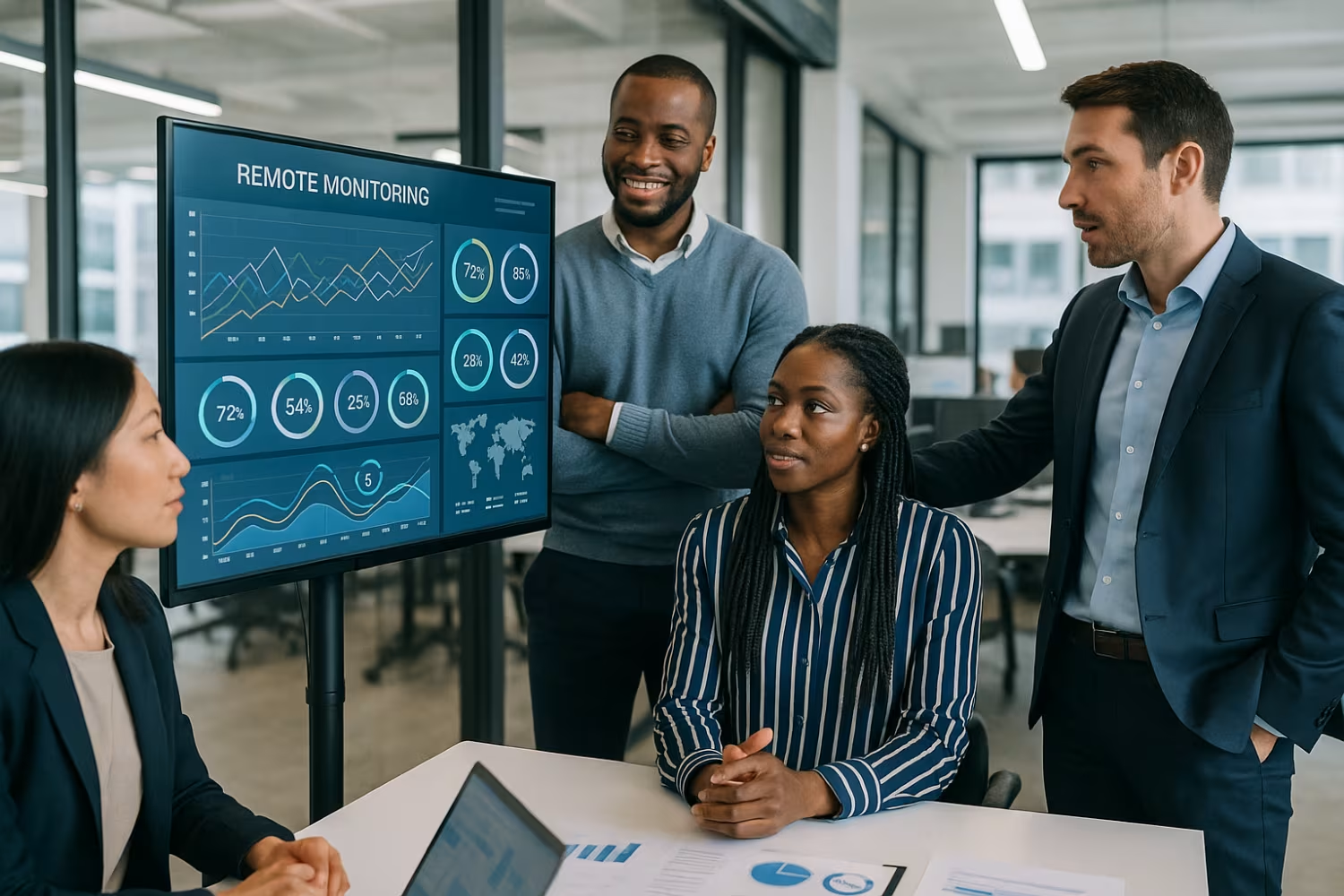
Are you a business with 20 or more employees looking for this solution? If you're growing and need better control over your systems, remote monitoring can help you stay ahead of problems and make smarter decisions.
At WebIT Services, we help businesses like yours set up and manage remote monitoring systems that work. Whether you need IT support, RMM software, or help choosing the right tools, our team is ready to guide you. Contact us today to learn how we can support your goals.
You can monitor IT networks, servers, industrial equipment, and even healthcare devices. Remote monitoring uses sensors to collect data and send alerts when something goes wrong. This helps you respond quickly and avoid downtime.
By using automation, you can also set up actions to happen automatically when certain conditions are met. This makes your systems more efficient and reduces manual work.
The benefits of remote monitoring include lower costs, fewer disruptions, and better performance. For businesses with 20 to 200 users, it helps IT teams stay on top of issues without needing to be everywhere at once.
You can optimize your resources by focusing on what matters most. Real-time alerts and data collection make it easier to plan maintenance and avoid surprises.
RMM stands for Remote Monitoring and Management. It’s software that helps IT teams monitor devices, install updates, and fix problems from a central dashboard. This is especially useful for businesses with multiple locations or remote workers.
RMM tools collect data from your systems and use automation to handle routine tasks. This improves efficiency and helps your team focus on strategic work.
Yes, remote patient monitoring allows healthcare providers to track patient health from a distance. It uses monitoring devices to collect vital signs and send alerts if something changes.
This enables real-time care adjustments and reduces the need for in-person visits. It also helps optimize treatment plans and improve patient outcomes.
Remote monitoring and management software logs system activity and changes. This makes it easier to meet industry regulations and prepare for audits.
It also uses sensors and automation to ensure systems are running as expected. Alerts notify your team if anything falls out of compliance.
Common use cases include IT system monitoring, equipment maintenance, and healthcare tracking. Businesses use these tools to collect data, detect problems, and take action quickly.
With real-time monitoring, you can reduce downtime and improve decision-making. It’s a smart way to stay in control of your operations.
.svg)
Work directly with owners. Includes 30-day onboarding, 18-month IT strategy, free AI + NIST tools, unlimited support, and 90-day risk-free terms.
Secure your place before slots close.