A help desk ticketing system is essential for managing customer issues, internal IT requests, and service desk operations. When set up correctly, it improves response times, reduces errors, and keeps your team organized. But choosing the wrong system—or using the right one the wrong way—can lead to delays, poor customer support, and frustrated employees.
In this blog, you'll learn what a help desk ticketing system is, common mistakes to avoid, key features to look for, and how to implement it effectively. We’ll also cover types of help desk software, benefits of ticket management, and how to find the best help desk for your business.
A help desk ticketing system is a software tool that tracks, manages, and resolves support requests. Each request becomes a "ticket" that can be assigned, prioritized, and monitored. These systems are used by IT teams, customer service departments, and internal support desks to streamline communication and ensure no issue gets lost.
For businesses, especially those with growing teams, a ticketing system helps organize support tickets, automate workflows, and improve accountability. It also provides reporting tools to measure performance and identify trends. Whether you're managing a help center or a full-service desk, having the right system in place is critical.
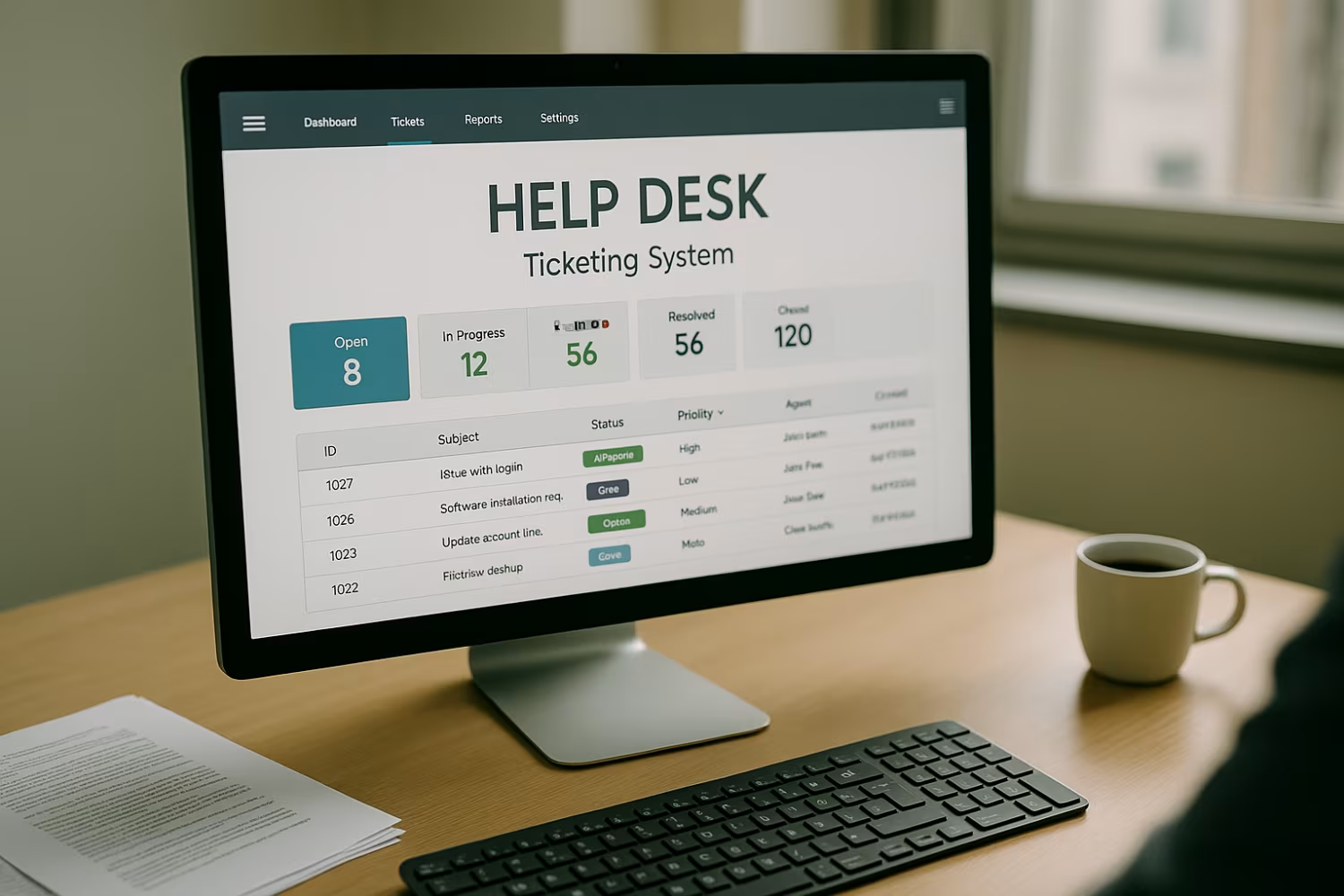
Even the best help desk ticketing software can fall short if it's not used properly. Here are some common mistakes that can hurt your support operations.
Not all help desk software is built the same. Some are too complex for small teams, while others lack features for larger operations. Picking the wrong platform can lead to poor adoption and wasted resources.
Many systems offer automation tools to route tickets, send alerts, or close inactive requests. Ignoring these features means your team spends more time on manual tasks and less on solving problems.
If tickets aren’t labeled or categorized correctly, it becomes hard to prioritize and assign them. This leads to delays and missed issues, especially in busy help desks.
A help desk ticketing system is only as good as the people using it. Without proper training, even powerful tools can become a bottleneck.
Over time, your support needs change. If you don’t review your ticket system setup regularly, you may miss opportunities to improve workflows or add useful features.
Your ticketing system should work with your other platforms—like email, chat, or CRM. Without integration, your team may waste time switching between tools.
If you’re not measuring ticket resolution time, customer satisfaction, or backlog volume, you’re missing key insights. Good data helps you improve service and justify investments.
Look for these essential features when evaluating a help desk solution:

The features of help desk ticketing systems directly impact how efficiently your team can resolve issues. For example, automation reduces manual work, while dashboards help managers spot trends. A system with customizable workflows can adapt to your business processes instead of forcing you to change them.
Choosing a system with the right features also improves user experience. When employees and customers can easily submit and track tickets, satisfaction goes up. And when your support team has the tools they need, they can focus on solving problems instead of managing software.
There are several types of help desk software, each designed for different needs. Here’s a breakdown to help you decide what’s right for your business.
This type is hosted online and accessed through a browser. It’s easy to set up, doesn’t require hardware, and is ideal for remote teams.
Installed on your company’s servers, this option gives you more control over data and customization. It’s best for businesses with strict security needs.
These are free to use and customizable, but require technical knowledge to set up and maintain. Good for IT teams with in-house developers.
Designed for large organizations, these tools offer advanced features like AI, multi-language support, and deep analytics.
These systems focus on core features like ticket tracking and email integration. They’re simple, affordable, and easy to use.
Some tools are built for specific industries like healthcare, education, or finance. They include features tailored to those environments.
These combine help desk functions with customer relationship management or IT asset tracking. Ideal for businesses that want an all-in-one platform.

Start by identifying your team’s needs and current pain points. What types of tickets do you handle? How many users will access the system? Use this information to choose the right help desk platform.
Next, plan your rollout. Set up categories, workflows, and permissions before going live. Train your team on how to use the system, and create a knowledge base or help center for common questions. Finally, monitor performance and adjust as needed.
Follow these tips to keep your system running smoothly:
A well-managed system improves both team performance and customer satisfaction.

Are you a business with 20 or more employees looking for this solution? If you’re growing and need a better way to manage internal IT requests or customer support, we can help you find and implement the right help desk ticketing system. At WebIT Services, we specialize in helping businesses choose, set up, and optimize help desk platforms that match their size and goals. Whether you need automation, reporting, or integration with your current tools, our team is ready to guide you every step of the way.
Help desks focus on solving user issues, like password resets or software problems. Service desks handle a broader range of IT services, including asset management and change control. Both use ticket systems, but service desks often require more advanced features.
A ticket system organizes support requests so nothing gets missed. It helps customer support teams track issues, assign tasks, and respond faster. This improves satisfaction and reduces repeat problems.
Look for tools that offer automation, reporting, and integration. Good help desk software should also support multiple channels like email and chat. These features help manage support tickets efficiently.
Yes, many vendors offer a free trial. This lets you test the interface, features, and performance before committing. It’s a smart way to find the best help desk for your needs.
Ticket management systems track issues from start to finish. This ensures quick resolution and prevents problems from being forgotten. It also helps teams prioritize urgent support tickets.
Helpdesk software isn’t just for customers. Internal teams can use it to manage IT requests, HR inquiries, or facility issues. It centralizes communication and improves response times across departments.
.svg)
Work directly with owners. Includes 30-day onboarding, 18-month IT strategy, free AI + NIST tools, unlimited support, and 90-day risk-free terms.
Secure your place before slots close.